Best Free Online Color Palette Generators in 2025
Compare the best free online color palette generators for 2025. Find the right tool for your needs: from quick hero section palettes to complex color theory exploration, all without spending money.
Color palette generators have evolved significantly, with free tools now rivaling paid options in quality and features. Whether you need a quick palette for a landing page, want to extract colors from an image, or are learning color theory, there is a free tool designed for your specific use case.
This guide compares the best free online color palette generators available in 2025, explaining what each does well, where they fall short, and which to choose for different project types. All tools listed are genuinely free to use, not limited trials or freemium products with locked features.
Colorhero
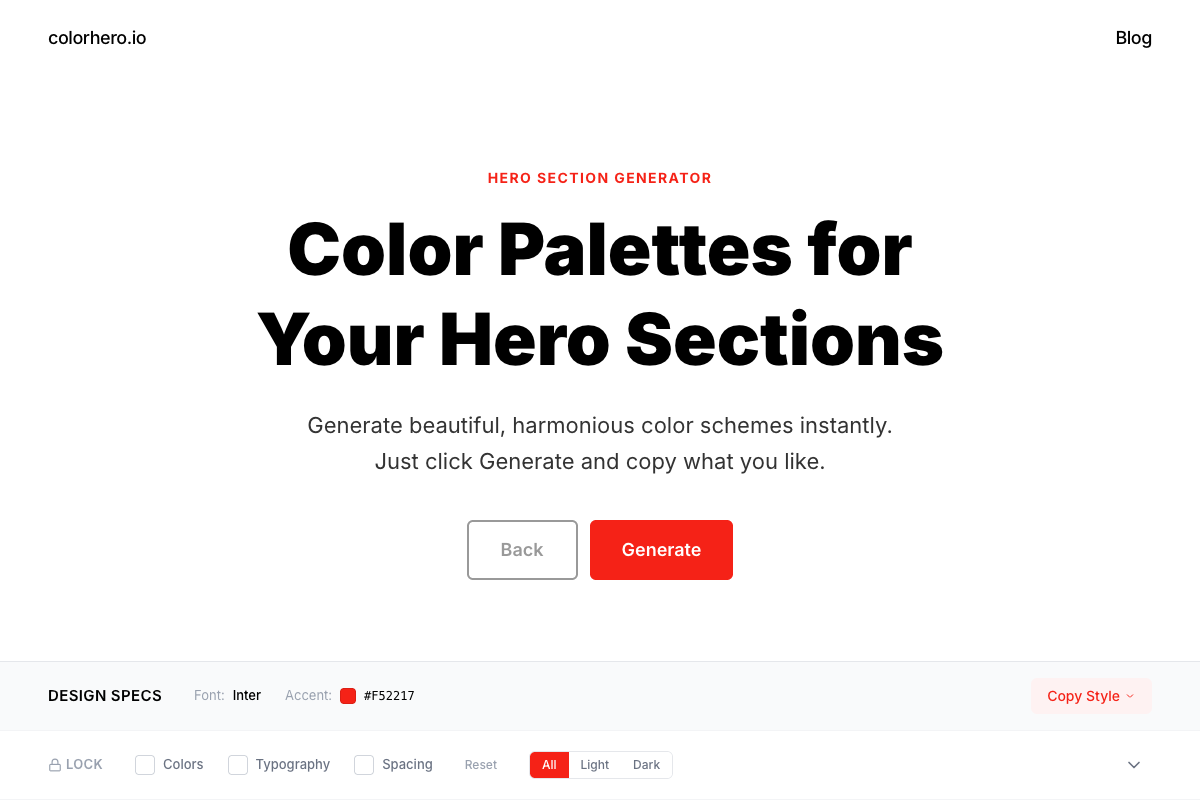
Colorhero is a focused palette generator designed specifically for hero sections and landing pages. Rather than generating abstract color combinations, it produces complete palettes with colors pre-assigned to specific roles: background, accent, text, and light text.
What it does well
Colorhero excels at speed and usability. One click generates a complete, contrast-verified palette ready to apply. The role-based structure means you never have to guess which color goes where. Every palette in the library has been curated for landing page use specifically.
- Instant generation from 280+ curated palettes
- Role-assigned colors: background, accent, text, text-light
- All palettes pre-verified for accessibility contrast
- Lock feature preserves colors you like while regenerating others
- Light and dark mode filtering
Limitations
Colorhero does not let you create custom palettes from scratch or explore color theory deeply. It generates from a curated library rather than calculating harmonies. If you need to start from a specific brand color, other tools offer more flexibility.
Best for
Landing page designers, founders building websites without design help, developers needing quick palette solutions, and anyone prioritizing speed over customization.
Coolors
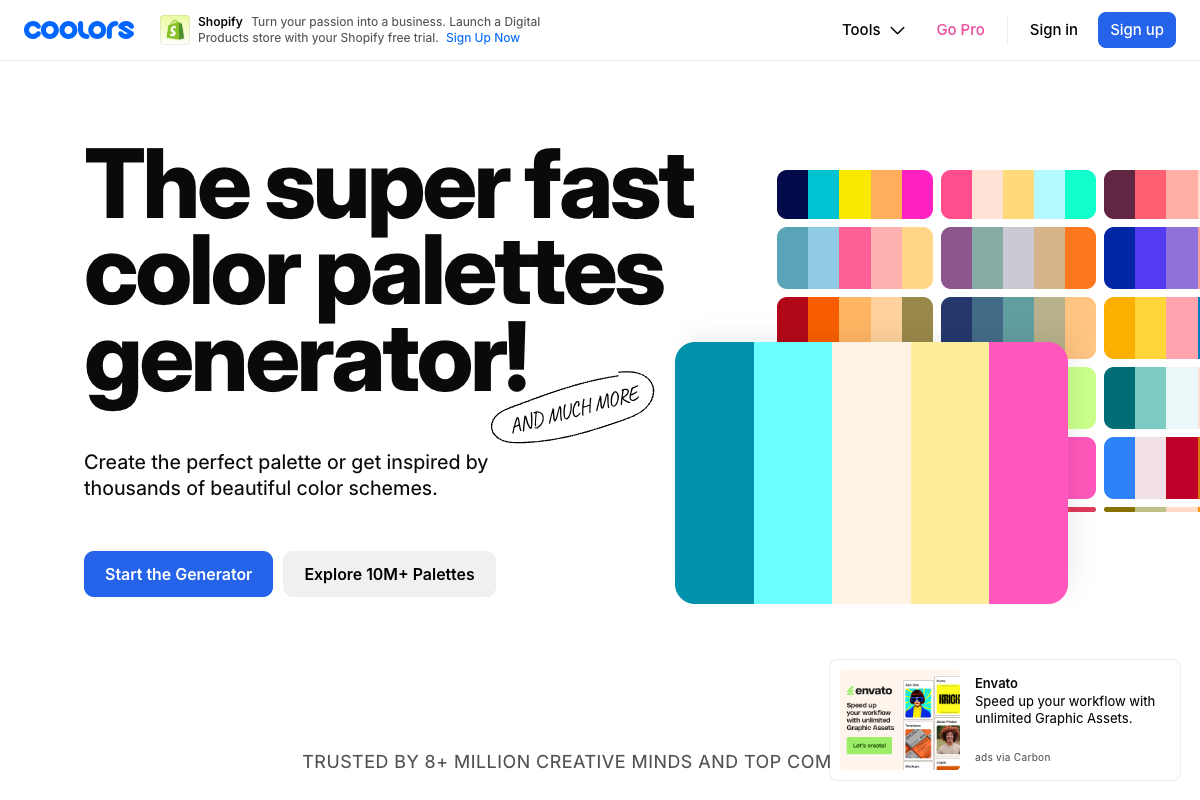
Coolors is one of the most popular palette generators, known for its spacebar-driven generation and sleek interface. It generates five-color palettes based on color theory rules and offers extensive customization options.
What it does well
Coolors makes generation addictive with its instant spacebar refresh. The tool includes helpful features like contrast checking, palette adjustment, and export to multiple formats. The mobile app extends functionality beyond the browser.
- Spacebar generation is fast and satisfying
- Lock individual colors while regenerating others
- Adjust colors with fine-grained controls
- Export to multiple formats including code
- Large community with shared palettes
Limitations
Coolors generates five colors without role assignments. You must decide yourself which color serves which purpose. Some advanced features require a paid subscription. The tool prioritizes exploration over immediate application.
Best for
Designers who enjoy exploration, projects needing five-color palettes, users who want adjustment controls, and anyone building illustration or brand color systems.
Adobe Color
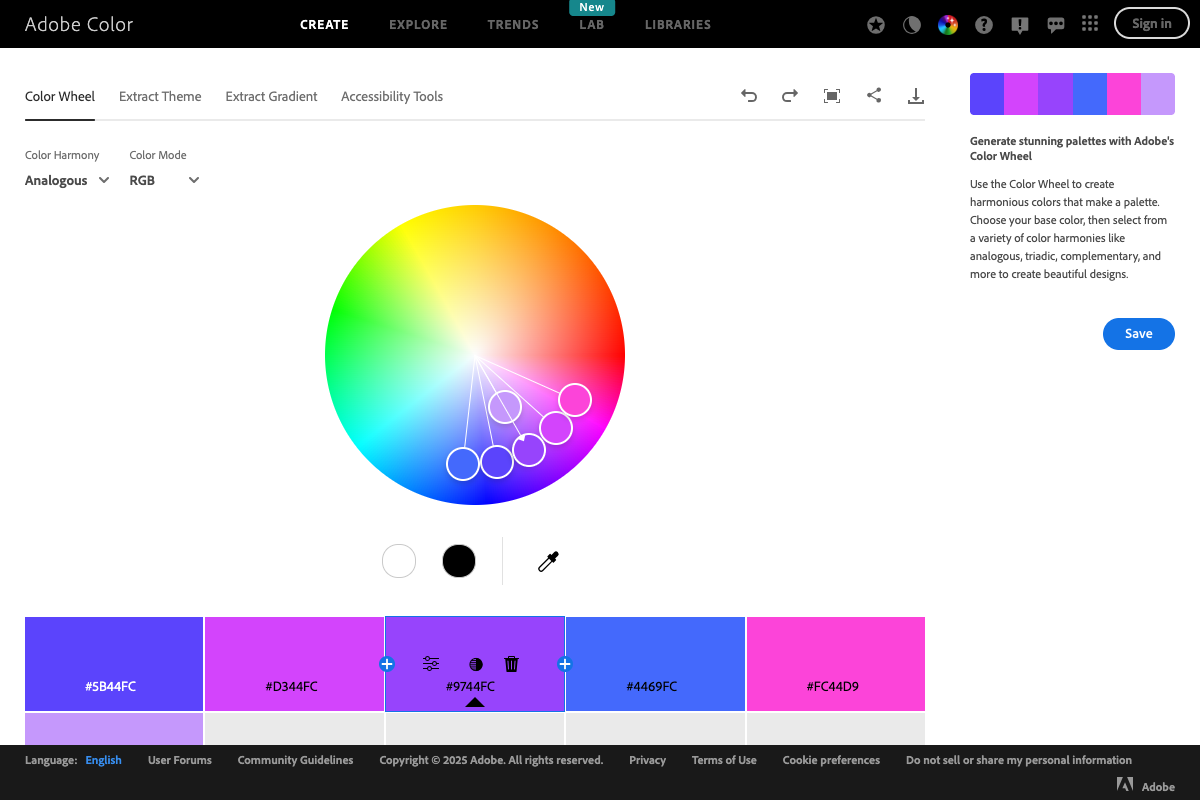
Adobe Color provides deep color theory tools through an interactive color wheel. It is designed for learning and exploration rather than quick generation, making it valuable for building color intuition over time.
What it does well
Adobe Color teaches color theory through interaction. The wheel-based interface shows harmony relationships visually. Extract palettes from images, explore community creations, and save palettes directly to Creative Cloud.
- Interactive color wheel with harmony rule overlays
- Multiple harmony modes: complementary, analogous, triadic, and more
- Extract palettes from uploaded images
- Integration with Adobe Creative Cloud
- Educational value for learning color relationships
Limitations
Adobe Color requires more time and knowledge to use effectively. Results are not role-assigned or contrast-verified. The tool prioritizes learning over speed. Best results require understanding color theory fundamentals.
Best for
Designers learning color theory, projects starting from specific brand colors, Adobe Creative Cloud users, and anyone wanting deep customization control.
Adobe Color vs Colorhero: Which Is Right for You →
Realtime Colors
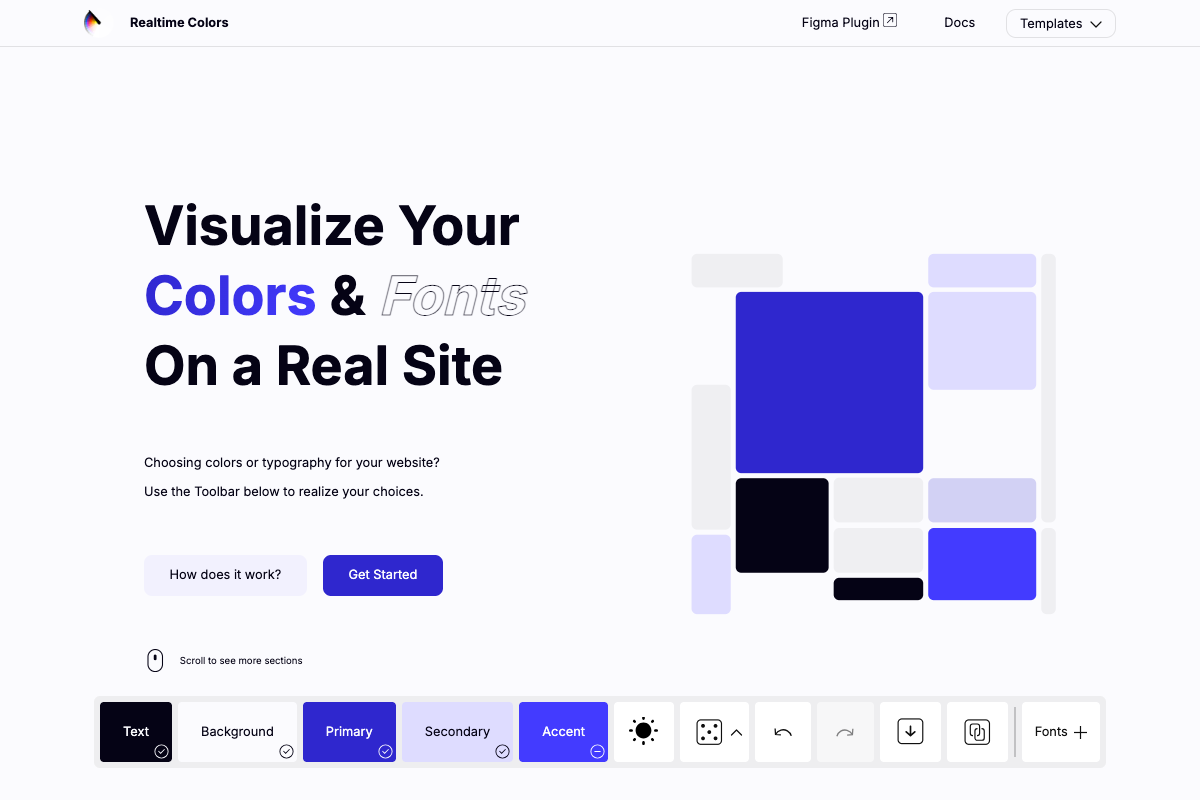
Realtime Colors takes a unique approach by showing palette selections on a live website preview. You see how colors work in context immediately rather than evaluating abstract swatches.
What it does well
The contextual preview is genuinely helpful for understanding how palettes perform in real designs. What looks good as swatches might fail in application. Realtime Colors eliminates that guesswork by showing colors in use immediately.
- Live website preview shows colors in context
- Immediate feedback on how palettes work in practice
- Role-based color assignment visible in preview
- Quick generation with contextual evaluation
- Export options for development use
Limitations
The fixed preview template may not match your specific design. Customization options are more limited than wheel-based tools. Generation relies on algorithms rather than curated palettes.
Best for
Developers and designers who want to see colors in context, projects similar to the preview template, and anyone who has been frustrated by palettes that look good as swatches but fail in application.
Paletton
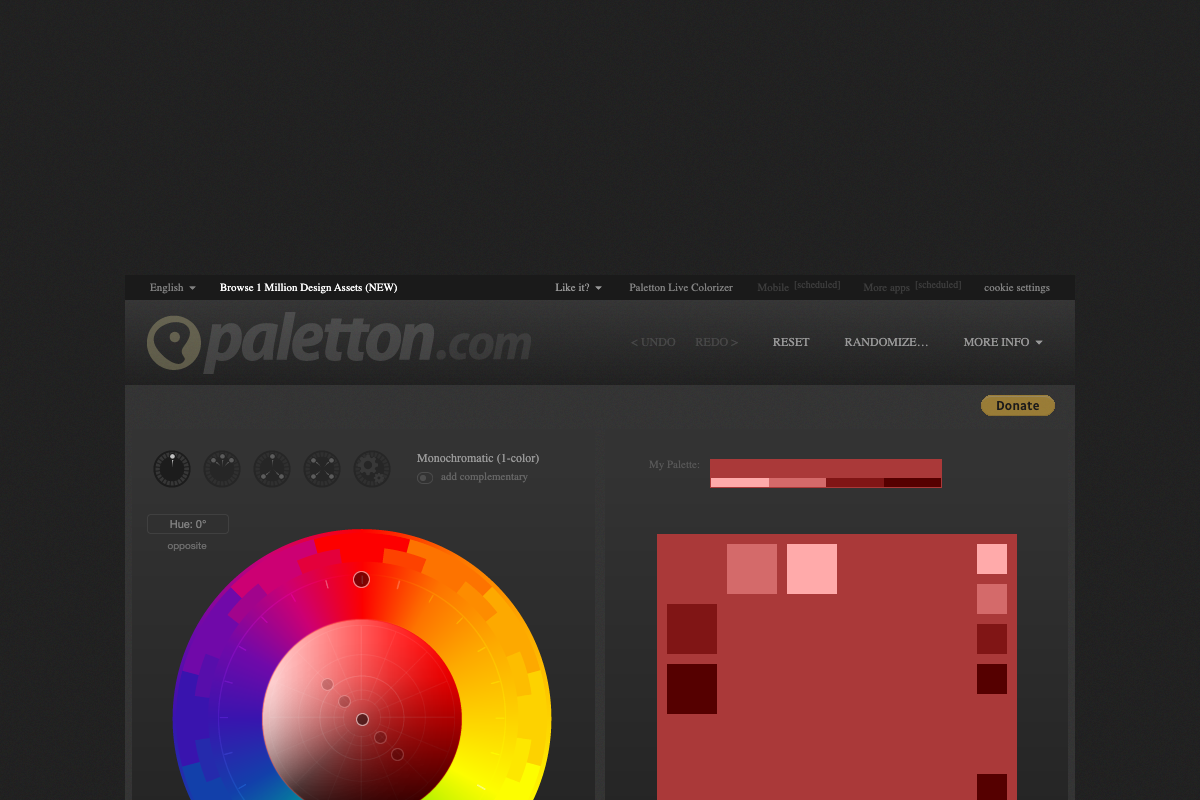
Paletton is a long-established color tool that uses a color wheel approach similar to Adobe Color but with a more technical interface. It is particularly strong for creating systematic color variations.
What it does well
Paletton excels at generating multiple variations of base colors. The tool creates systematic scales with lighter and darker versions, useful for complex UI systems that need many related colors.
- Generates systematic color variations automatically
- Multiple harmony modes with fine control
- Preview colors in example layouts
- Export to CSS, XML, and other formats
- Colorblind simulation mode
Limitations
The interface feels dated compared to modern tools. Learning curve is steeper than simpler generators. Generated palettes require role assignment and contrast verification.
Best for
Complex UI projects needing color scales, designers who want fine control over variations, and accessibility-focused projects using the colorblind simulation.
Color Hunt
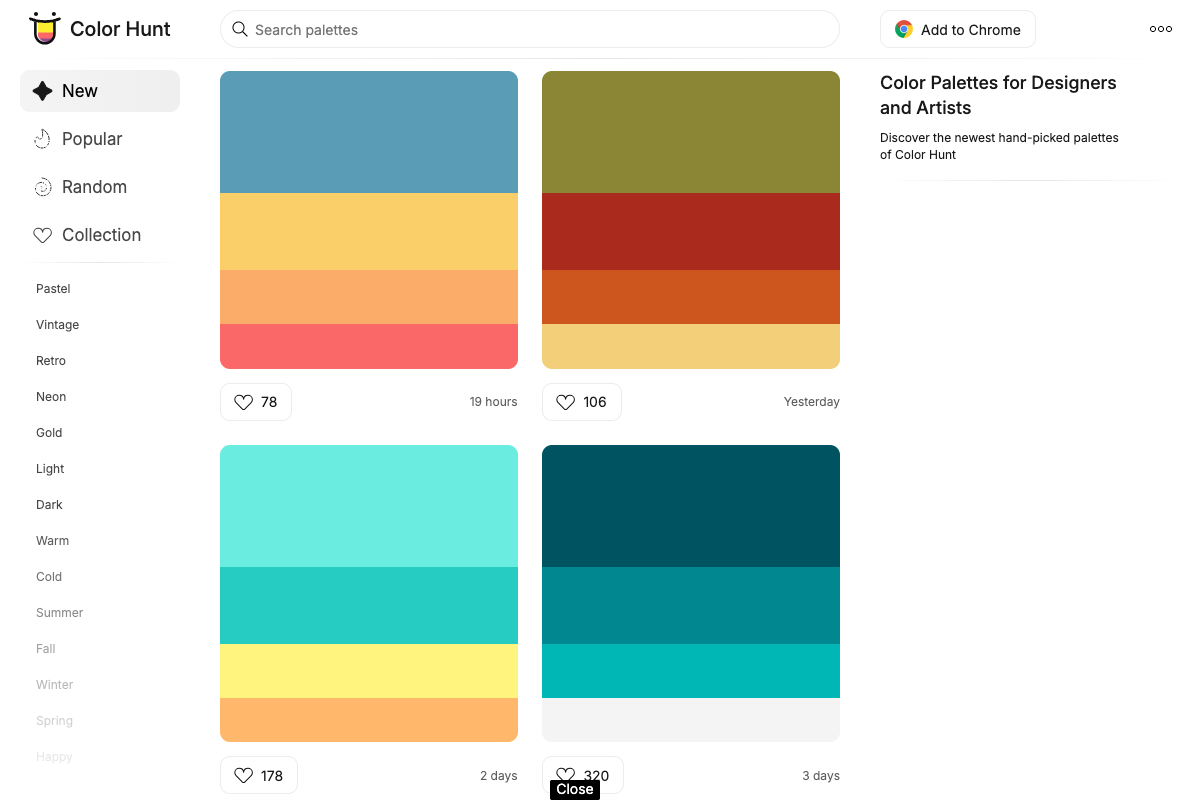
Color Hunt is a community-driven platform where designers share four-color palettes. Rather than generating algorithmically, you browse human-curated combinations that have been upvoted by the community.
What it does well
Every palette on Color Hunt was created by a designer and validated by community voting. The human curation often produces more aesthetically refined results than algorithms. Browsing by category helps find style-appropriate options.
- Human-curated palettes with community validation
- Browse by popular, new, or category
- Clean, minimal interface
- Click to copy hex codes
- Large library of proven combinations
Limitations
No generation, only browsing existing palettes. Four colors per palette may not cover all needs. No role assignments or contrast verification. Quality varies despite community voting.
Best for
Inspiration seeking, designers who prefer browsing to generating, and projects where aesthetic quality matters more than systematic structure.
Khroma
Khroma uses AI trained on your color preferences to generate personalized palettes. After a training phase where you select colors you like, it generates combinations tailored to your taste.
What it does well
The personalized approach produces results that match your aesthetic preferences. The training phase is quick but effective. Generated palettes feel more personally relevant than generic algorithmic output.
- AI learns your color preferences
- Generates personalized combinations
- Multiple view modes: type, poster, gradient
- Infinite scroll generation
- Save favorites for later
Limitations
Requires training phase before generating. Results are biased toward your preferences, which may not suit every project. Two-color combinations may need expansion for complete palettes.
Best for
Designers with consistent aesthetic preferences, personal projects, and anyone frustrated by generators producing colors outside their taste.
Comparison Table
Quick reference for choosing between tools based on key features and use cases.
Speed and simplicity
If generation speed matters most: Colorhero, Coolors, and Realtime Colors all offer fast results. Colorhero is fastest for role-assigned landing page palettes. Coolors is fastest for five-color exploration. Realtime Colors is fastest for seeing results in context.
Learning and customization
If deep control and learning matter most: Adobe Color and Paletton offer wheel-based interfaces for understanding color theory. Both require more time but build lasting color intuition.
Accessibility
If accessibility is critical: Colorhero pre-verifies all palettes for contrast compliance. Other tools offer contrast checking but require manual verification. For guaranteed accessible results without extra effort, Colorhero is most reliable.
Choosing the Right Tool
Match the tool to your specific situation for best results.
For landing pages and hero sections
Colorhero is purpose-built for this use case. Role-assigned colors, pre-verified contrast, and instant generation make it the most efficient choice for landing page work.
Hero Section Color Ideas That Make Your Site Pop →
For brand exploration
Coolors offers the best balance of speed and customization. Generate rapidly, lock colors you like, and refine until the brand direction feels right.
For learning color theory
Adobe Color teaches through interaction. The wheel-based interface builds intuition that benefits all future color work. Invest time here if color mastery is a goal.
For complex UI systems
Paletton generates systematic variations needed for design systems with many states and hierarchies. The technical interface suits technical requirements.
For inspiration
Color Hunt and Khroma both offer browsing-focused experiences. Color Hunt shows community-validated combinations. Khroma personalizes to your taste.
Using Multiple Tools
Many designers use different tools at different project stages. A typical workflow might combine multiple generators for optimal results.
Exploration to application
Start with Coolors or Color Hunt for broad exploration. When you find a direction, use Colorhero to generate role-assigned variations for actual application. Verify accessibility in both tools.
Learning to producing
Use Adobe Color to understand color relationships during learning phases. When you need to produce work quickly, switch to faster tools like Colorhero that apply those principles automatically.
FAQ
Are these tools really free?
Yes. All tools listed are genuinely free to use for their core features. Some like Coolors have paid tiers for advanced features, but palette generation is free. Colorhero, Adobe Color, Color Hunt, and Realtime Colors are completely free.
Which tool produces the most accessible palettes?
Colorhero produces the most reliably accessible palettes because all combinations are pre-verified for WCAG contrast compliance. Other tools offer contrast checking, but you must verify manually. For guaranteed accessibility without extra effort, Colorhero is the best choice.
Can I use these palettes commercially?
Yes. Colors cannot be copyrighted, and palettes generated by these tools are yours to use in any project. Some community-shared palettes on platforms like Color Hunt may have different expectations, but algorithmically generated colors have no usage restrictions.
Which tool is best for beginners?
Colorhero is easiest for complete beginners because it requires no color theory knowledge. Coolors is also beginner-friendly with its simple spacebar generation. Adobe Color is better after you have some foundation in color concepts.
How many colors do I actually need?
Four colors covers most web design needs: background, accent, primary text, and secondary text. Colorhero generates exactly this structure. If you need more colors, create tints and shades of your base four rather than adding entirely new hues.
Get Started
Each tool serves different needs. For most landing page and hero section work, start with Colorhero for instant, role-assigned palettes. Add other tools to your workflow as specific projects demand their unique capabilities.
Generate your first palette with Colorhero →
The Best Color Palette Generators Compared →
Best Website Color Palettes for 2025 →
How Founders Can Choose Website Colors Without a Designer →
Try Colorhero
Colorhero generates complete hero section palettes with background, accent, text, and light text colors designed to work together. Every palette is pre-verified for accessibility. No color theory required. Just click, evaluate, copy, and apply.